
Plan it. Do it. Done.
Tasks, schedule and reminders in one place, with a beaver cheering you on.
Big plans.
Small wins.
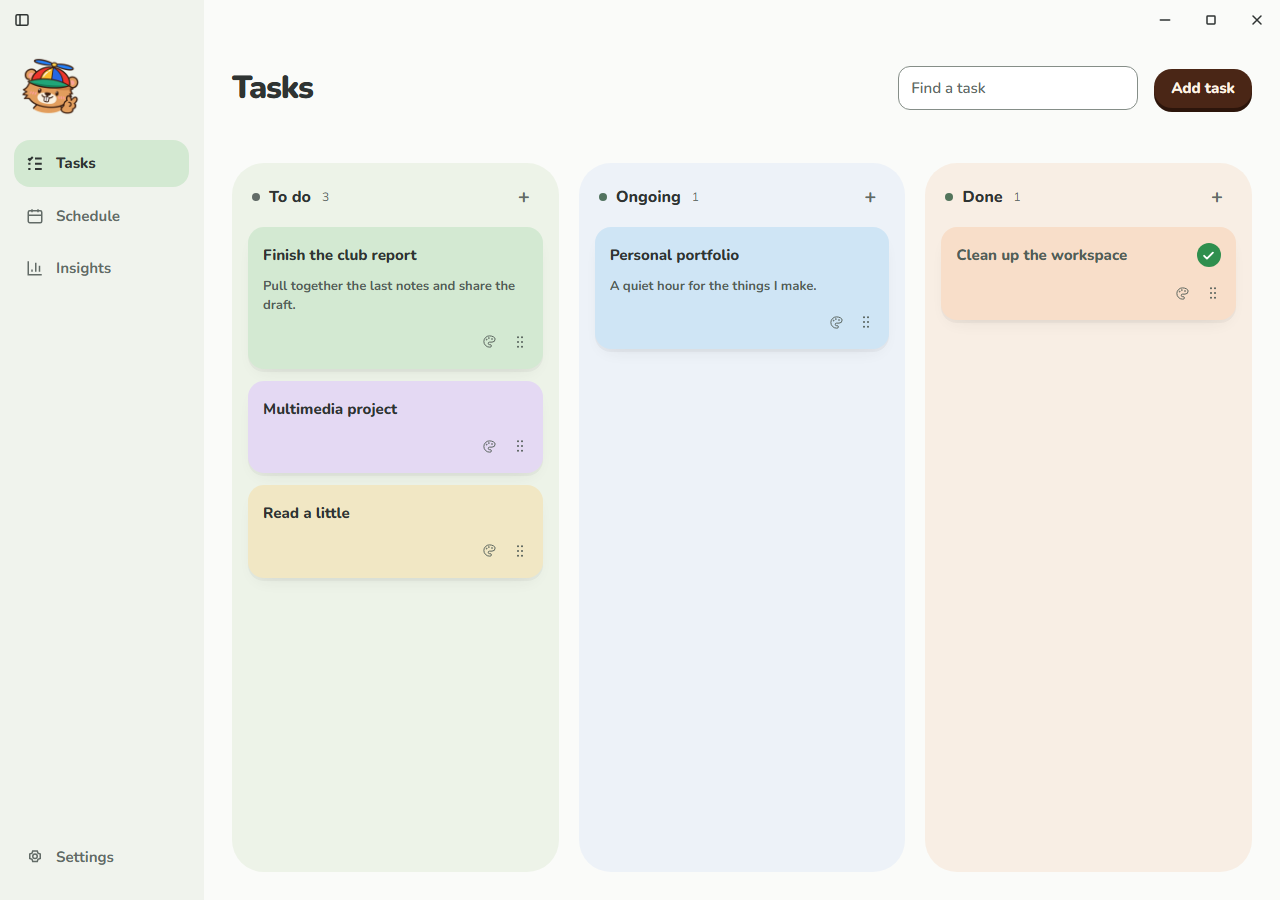
Tasks
1 doneTo do2
Ongoing1
Done1
Nov 2–8, 2026
WeekThe thought that just popped into your head? Tell Bivvy!
A nudge right on time. A snooze when you need one.
Watch the wins add up.
- Today
- 3
- This week
- 14
- This month
- 52

Frequently asked questions.
Which devices can I use Bivvy on?
Bivvy is a desktop app for Windows 10 and 11. There isn’t a Mac or mobile version yet.
Does Bivvy need an internet connection?
Your task board, schedule and reminders work offline. Connected AI chat needs an internet connection, and tester builds need one to activate your access code.
Will Bivvy get in the way of my work?
Bivvy walks on your desktop behind your app windows. A reminder or your shortcut brings Bivvy forward when you need a nudge or want to chat.
Do reminders work with the dashboard closed?
Yes, as long as Bivvy is still running in the system tray. Closing the dashboard doesn’t stop reminders. Choosing Quit exits Bivvy and stops them until you open it again.
Where are my tasks and schedule saved?
Your tasks, schedule and progress history are stored locally on your PC. When you use connected AI chat, relevant task and conversation details are sent to the AI service to answer your request.